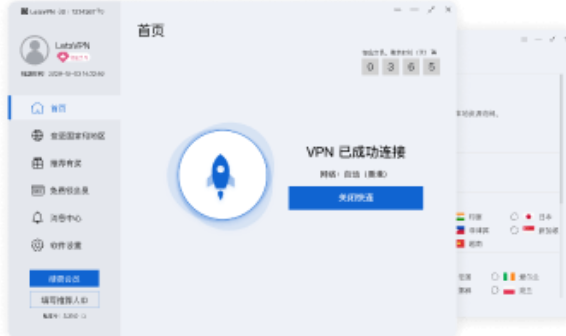
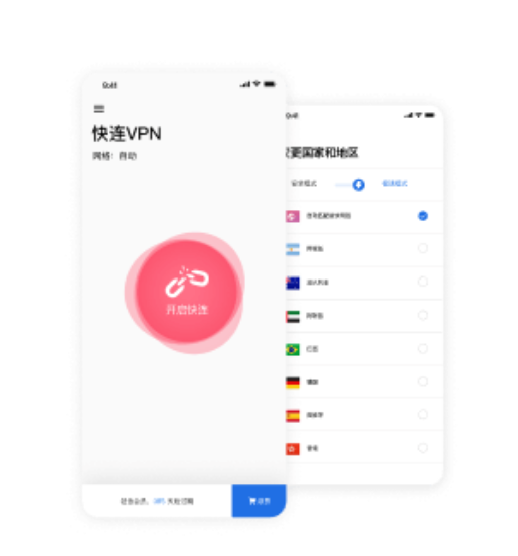
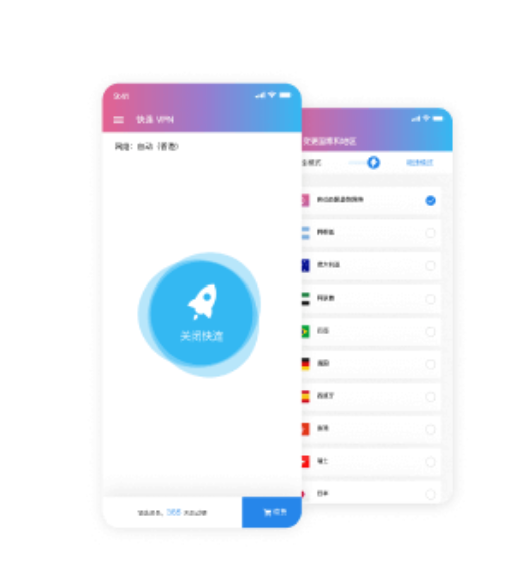
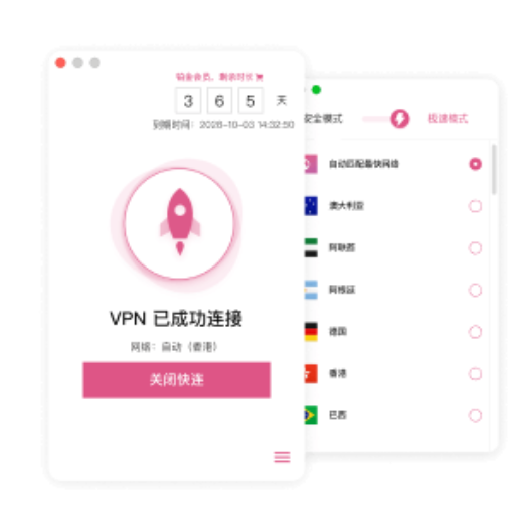
Open the client and connect
LetsVPN reduces manual setup steps. Users can create a VPN connection through the client, making it easier for people who do not want to adjust network parameters by hand.
VPN app · Stable connection · Multi-device use
LetsVPN helps keep your VPN connection usable when networks change, with less manual setup, encrypted access, and support for public WiFi, travel, remote work, and multiple devices.
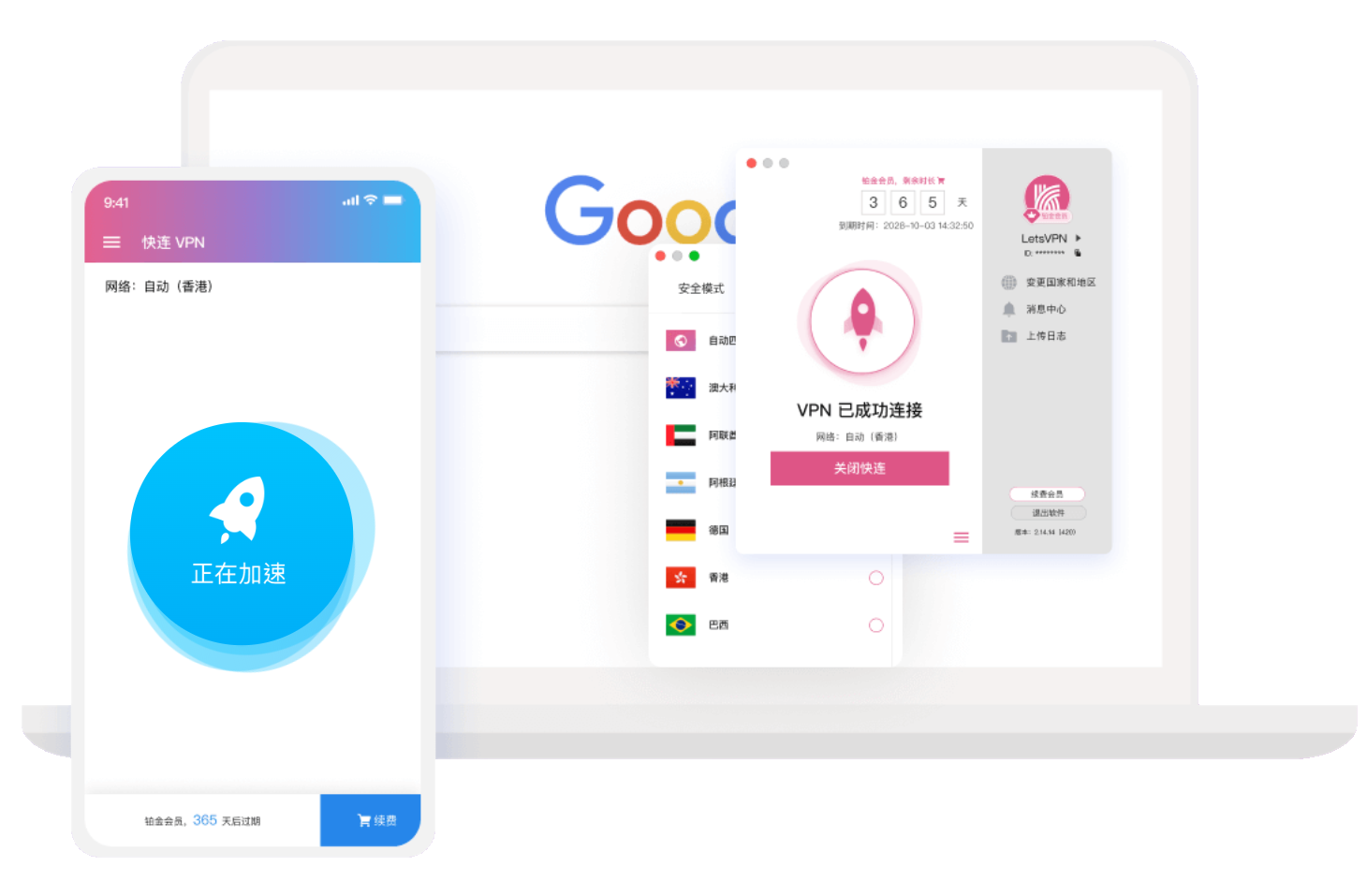
Network conditions change between home, office, hotel, airport, public WiFi, and mobile networks. LetsVPN helps users create a VPN connection through the client, reducing interruptions, setup friction, and unstable routes when switching devices, locations, or everyday online services.



Many users do not want to manage complex network settings. They want a VPN that opens quickly, works across devices, and remains useful when the network changes. LetsVPN keeps the connection entry, device support, and route switching easy to understand.
LetsVPN reduces manual setup steps. Users can create a VPN connection through the client, making it easier for people who do not want to adjust network parameters by hand.

Connection performance can vary by time, location, and target service. LetsVPN helps users choose a connection path based on current network conditions and reduce repeated manual adjustments.

LetsVPN can be used for content browsing, cross-region access, remote work, and everyday app connections. Actual results may vary by local network, region, node status, and target service policy.

LetsVPN supports Windows, macOS, Android, and iOS. For people who switch between multiple devices, one familiar VPN tool can reduce the friction of using different tools on each system.

On public networks such as cafés, airports, and hotels, a VPN can create an encrypted connection and reduce part of the exposure risk. Users should still protect passwords, verification codes, and payment information.
When network conditions change often, devices multiply, or users need to move between different locations and services, connection continuity becomes part of the daily experience. LetsVPN is more useful for people who want less uncertainty, less setup friction, and more consistent access to everyday services.
Want a quicker connection processDo not know VPN parametersOften use public WiFi Travel or work remotelyUse both phone and desktopAccess common apps and content services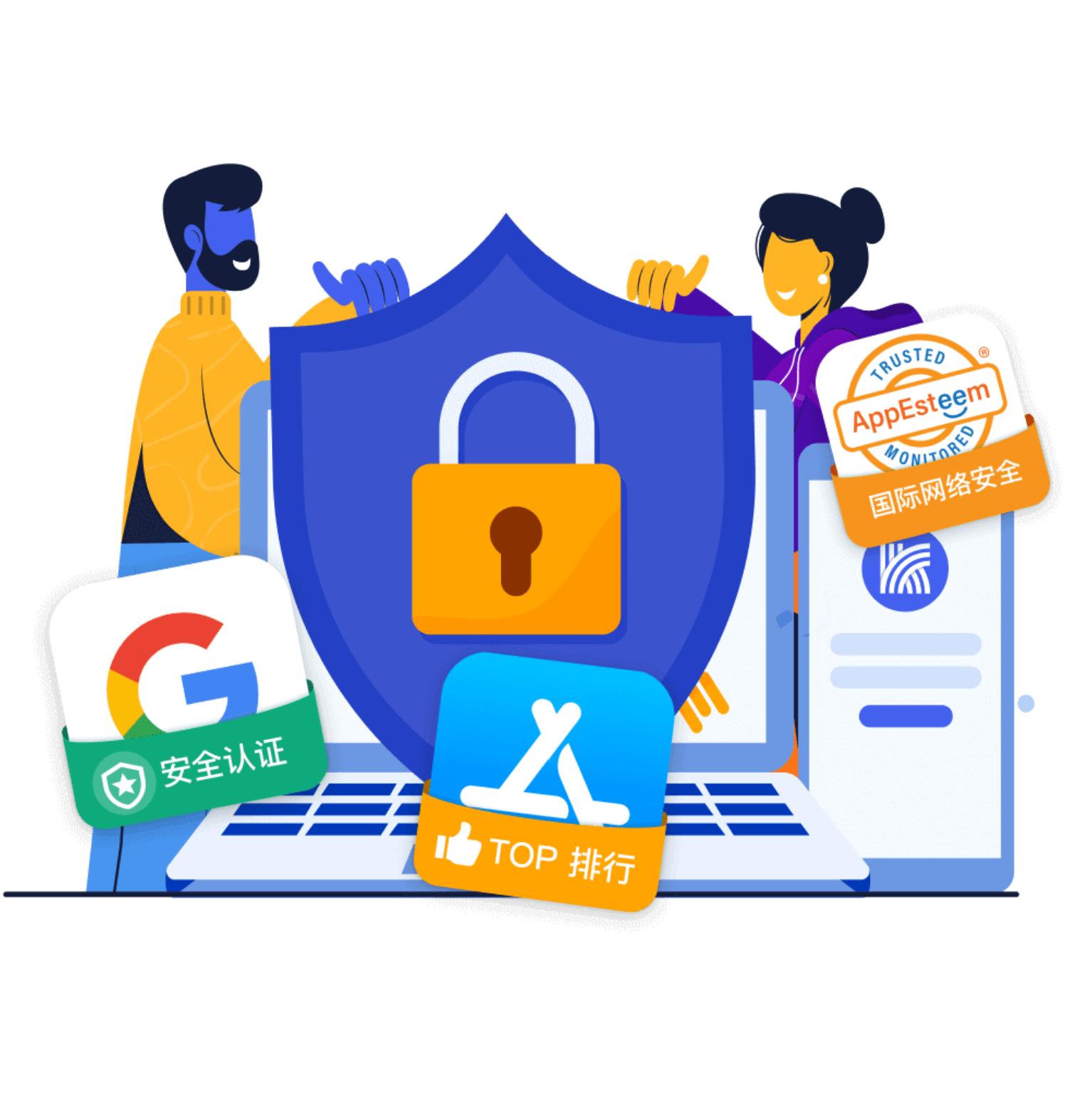
Privacy & Security
LetsVPN can create an encrypted connection and reduce part of the exposure risk on open networks. A VPN is not a complete security solution and cannot replace password management, two-factor authentication, device security, or legal compliance. Users should avoid suspicious links and be careful when entering sensitive information.
 Reduce complicated setup steps
 Review privacy and data handling details
 Create an encrypted VPN connection
 Reduce part of the risk on public WiFi
 Use a trusted source for installation
When choosing a VPN, real-world use matters more than slogans. During a trial, users can check whether the connection stays smooth, device switching feels easy, public networks feel safer, and everyday apps or content services remain accessible.
Connection quality is not only about the first successful connection. Users should also test different time periods, network types, latency, interruptions, and everyday service access.

People who switch between phone, desktop, and tablet often care about whether the experience stays familiar. LetsVPN supports major systems for everyday multi-device use.

On airport, hotel, or café WiFi, users often care about encrypted connections, stable access, and whether they still need to handle accounts and sensitive information carefully.

Users who are not familiar with VPN settings usually want a clear connection entry, direct operation path, and an easy way to retry when something fails.

When browsing content, users often check whether the target service is reachable, playback is smooth, and route switching helps. Results may vary by region and service policy.

A trial helps users check whether their device, network, and everyday needs match the service. It is useful for testing connection, speed, route switching, and device use.

Choose the entry that matches your device. Before long-term use, check your system, network environment, and everyday services, then use the trial period to see whether the connection fits your needs.
FAQ
These answers cover what LetsVPN is, who it is for, what affects connection quality, and what users should know about safety boundaries before starting.
LetsVPN is a VPN connection app for public WiFi, travel, remote work, device switching, and content browsing. It helps users keep a more stable, continuous, and usable connection across changing network environments.
LetsVPN is suitable for users who often switch networks, use public WiFi, move between phone and desktop, or want fewer manual setup steps. Long-term suitability depends on local networks, devices, and target services.
LetsVPN supports Windows, macOS, Android, and iOS. Before starting, users should check whether their device system and client version match to avoid setup or connection issues.
A VPN usually creates an encrypted connection at the device or system level, while a regular proxy often works for a browser or a single app. LetsVPN is more suitable for users who need connection support across multiple apps and devices.
LetsVPN can create an encrypted connection on public WiFi and reduce part of the exposure risk on open networks. Users should still avoid suspicious links and never enter passwords or payment information on untrusted pages.
Connection quality can be affected by local network quality, node status, region, target service policy, device performance, and client version. If the connection slows down or fails, check both the local network and target service availability.
LetsVPN cannot guarantee faster speed for every website or app. A VPN may improve some cross-region routes, but speed can also drop because of node distance, network congestion, or target service restrictions.
First check whether the network works, the client is up to date, and the system allows VPN connections. Then try switching routes or restarting the device. If only one service fails, the issue may relate to that service or region.
LetsVPN is designed for users who do not want to configure complex parameters. Beginners can first check whether the connection entry is clear, devices are compatible, and everyday services remain reachable during the trial.
The trial is useful for checking device compatibility, connection smoothness, everyday service access, route switching, and multi-device use before deciding whether the service fits long-term needs.
Users should follow local laws, platform rules, and service terms. A VPN is a connection tool and should not be used for unlawful activity, copyright infringement, attacks, or other prohibited behavior.
LetsVPN supports major platforms, so it can suit users who switch between phone, desktop, and tablet. Multi-device use may depend on account rules, device limits, installation method, and connection stability.